
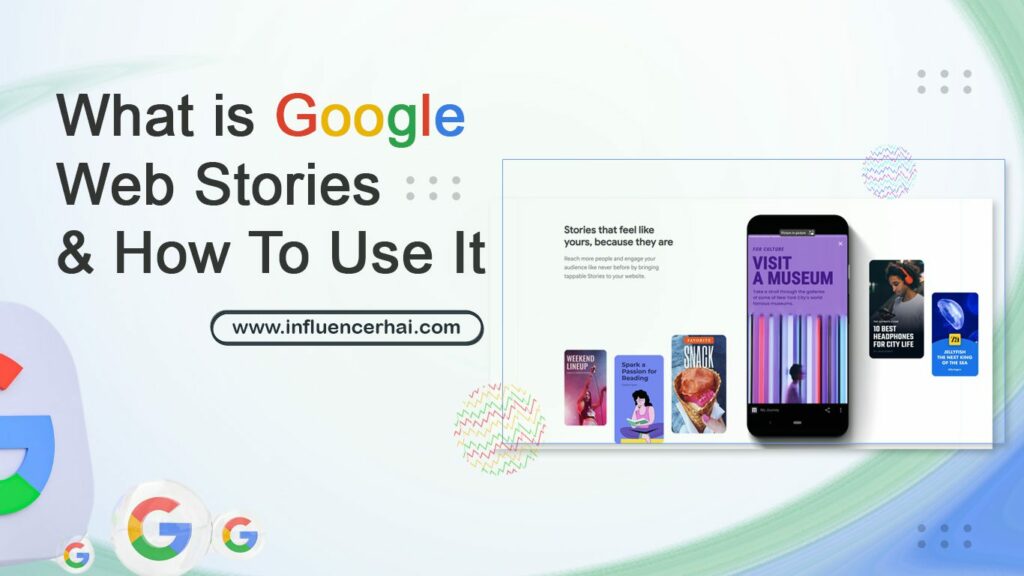
Have you ever wished you could bring your website or blog posts to life with more engaging visuals and interactive elements? Well, Google Web Stories may be just what you’re looking for! Web Stories is a new Google tool that allows publishers to create visually rich, dynamic, and interactive content for the web.
You can create engaging stories that capture your audience’s attention using various media, including images, videos, and text. This post will look at what Google Web Stories are and how you can use them to enhance your website or blog content.
Google Web Stories is a tool that allows you to create dynamic, visually rich content for the web. It’s easy to use and can be a great way to engage your audience.
With Web Stories, you can easily add text, images, videos, and other multimedia elements to create a truly immersive experience for your readers. You can also control the layout of your story, making it easy to create a beautiful and engaging experience for your audience. Plus, Web Stories are responsive and look great on any device.
Best of all, Google Web Stories is free to use! So if you’re looking for a way to create dynamic, visually-rich content for your website or blog, give Google Web Stories a try.
Google Web Stories are a new way to create visually rich, engaging content on the web. You can use them to tell stories about your products, services, or brand in a more interactive and immersive way. There are three different types of Google Web Stories:
Google Web Stories is a new tool that allows you to create visually-rich, interactive stories from your website content. You can use Google Web Stories to engage your readers and drive traffic to your site. However, there are some pros and cons to using this tool.
Pros:
Cons:
Google Web Stories is a new way to create and share visual stories on the web. Google Web Stories are built on open web standards and are interactive, responsive, and lightweight.
Google Web Stories can share news, information, or anything you can imagine. The benefits of using Google Web Stories include the following:
Google Web Stories is a new way to create and publish visual stories on the web. Here’s how to use it:
1. Create your story: You’ll need to use the Google Web Stories Editor to create your account. This free online tool lets you create visually rich stories using a variety of content types, including text, images, videos, and animations.
2. Publish your story: Once you’re happy with it, you can publish it on the web for everyone to see. Your account will be hosted on a particular Google Web Stories website, and you can share it with others using a link or embed it on your website or blog.
3. Promote your story: To help promote your account, you can share it on social media or use Google’s AdWords program to display ads for your report on websites and apps across the web.
There are several alternative platforms to Google Web Stories. Some of these platforms include:
Google Web Stories is a new way to tell stories on the web. You can create engaging, visually-rich stories that your readers will love using a combination of text, images, and videos. Best of all, it’s easy to use, and you can start immediately.
So what are you waiting for? If you’re looking for a new way to tell your story, give Google Web Stories a try. You might be surprised at how much your readers will enjoy it.